
The use of technology today reminds me of the opening line of A Tale of Two Cities; “It was the best of times. It was the worst of times.” Technology today is incredible. There is so much we can do and know with just a few swipes and a tap or two. We’re all carrying around what in the 70s would have been considered super computers… and they fit in our pockets! Or our children’s pockets. Yes, most children can unlock an iPad before they’ve learned how to tie their own shoes (true story). It’s kinda scary. Not that there is anything bad with technology itself or children using it, but unmoderated it can lead to screen addiction (yes, that’s a real things, read the article if you don’t believe me).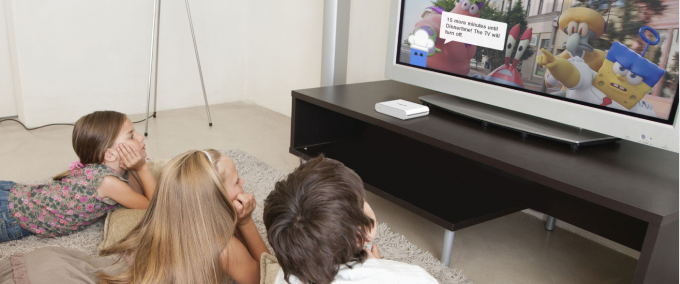
As a parent, you should be concerned when your child gets consumed by screens (TV, tablets, smart phones, computers); when they are consistently playing on their phones instead of sleeping, choosing Minecraft over homework, TV over playing outside, or Xbox over the playground. So how do you help your children if they are screen addicted or prevent them from becoming so if they aren’t yet? Moderation. The best way to help them learn moderation? Screen.
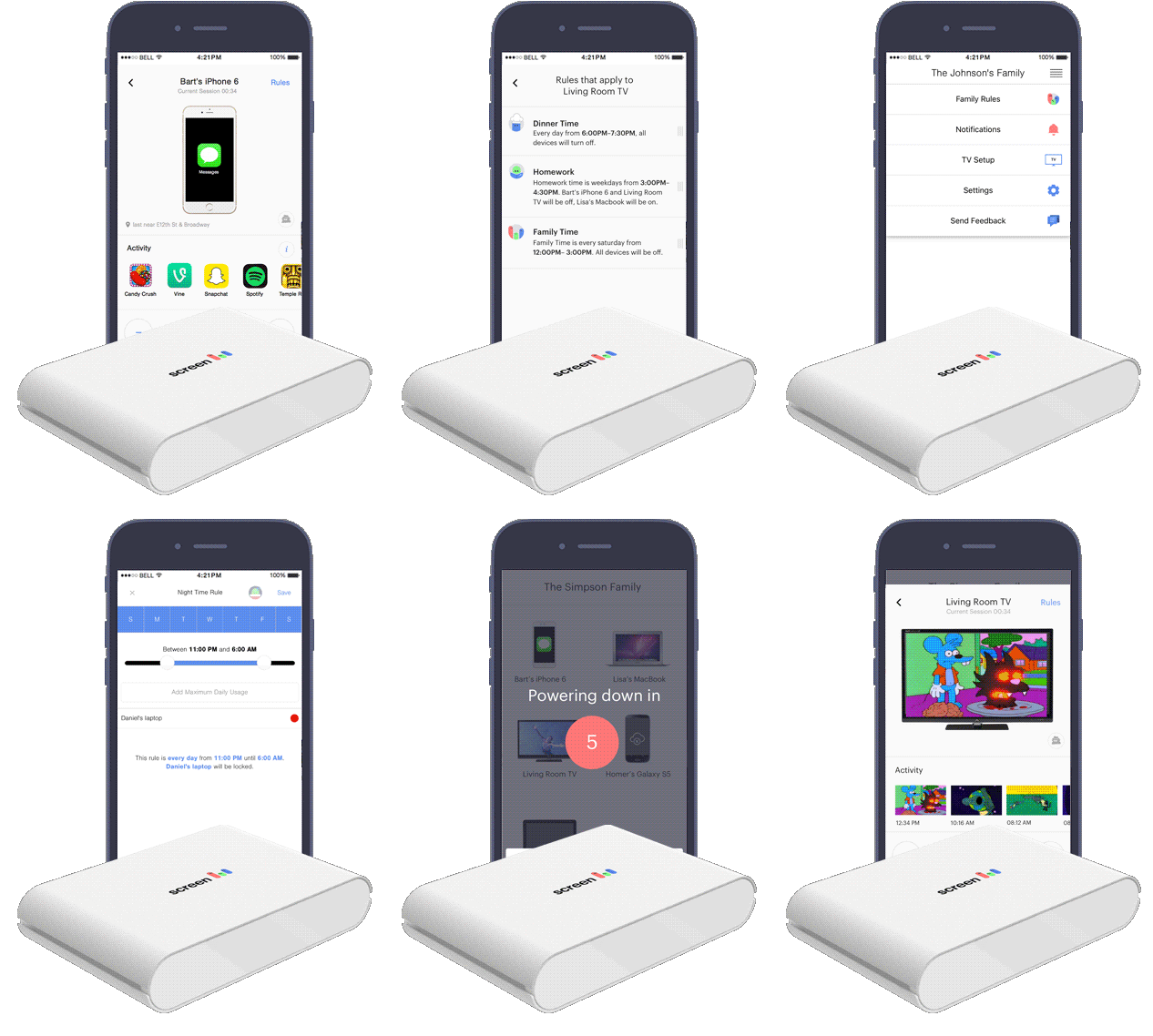
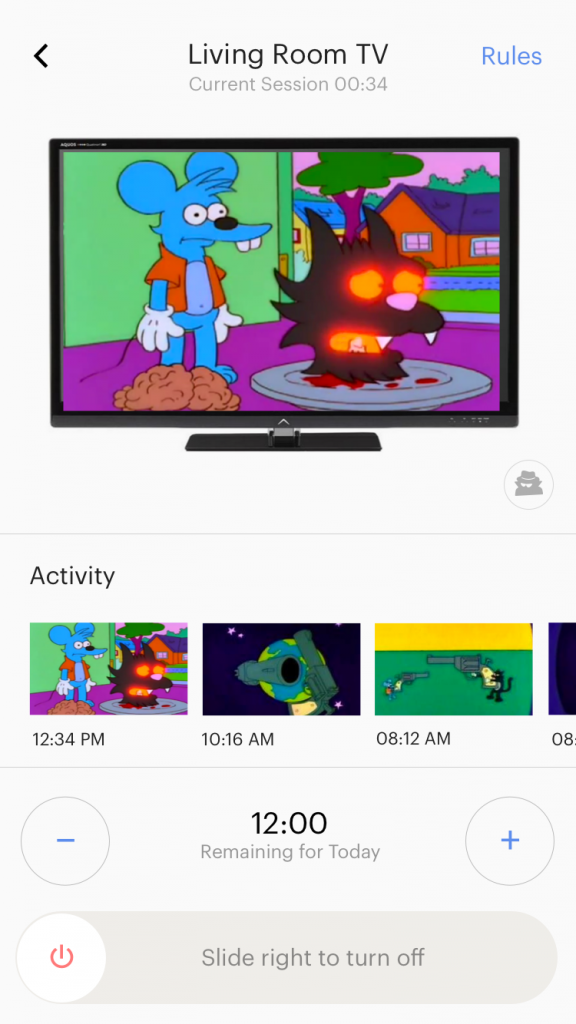
Screen is a family device manager, meaning you set rules as a family that you want the family to follow such as no screens at dinner time or bed time and Screen will manage ALL your devices (yes, that means you too mom and dad. The best way to lead is by example). You can also turn off select devices one at a time, so the computer can still work during homework time but the iPad, TV, and WiiU don’t. You can also teach your children the importance of time management by limiting the number of hours a day they spend on screens (like following the AAP recommendation of no more than two hours a day). Screen will enforce the rules your family makes and will inform you if someone tries to break them. It’s that easy!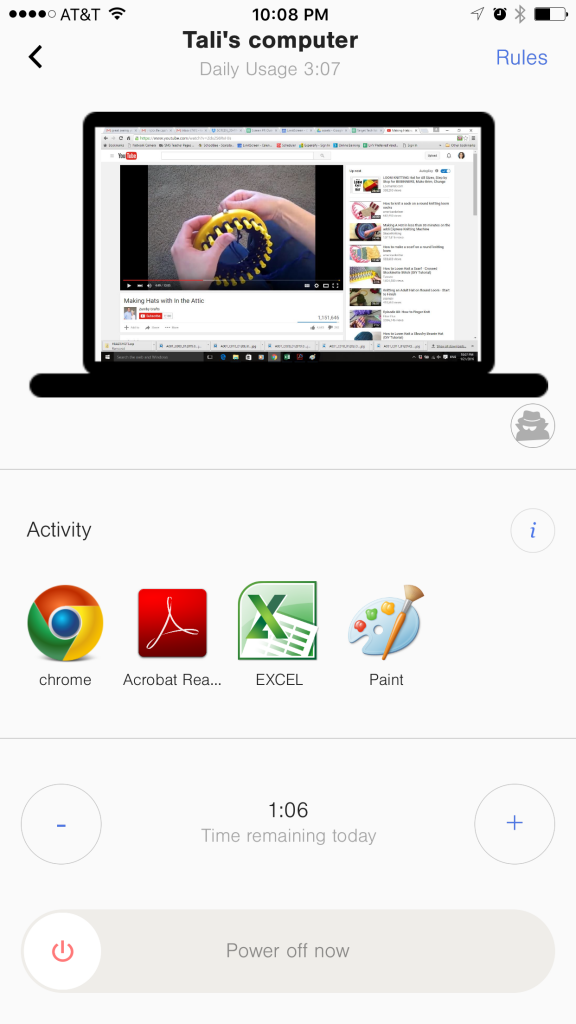
Also, try putting the rules on paper and have everyone in the family sign it then put it on the fridge as a reminder. You can also send a copy to grandma or post it on FaceBook so your friends can see it too, making it harder for your children to cheat with other people’s devices! Screen is available for purchase on getScreen.com. There is a promotion to manage unlimited devices for $99 so when new devices are added to your family you can connect it to Screen without needing another license as it’s for unlimited devices.
Find out More About Screen!
Click here to visit the Screen website.
Click here to Like Screen on Facebook.
Click here to Follow Screen on Twitter.
Disclaimer: I have teamed up with Screen in support of this campaign. We received compensation for participation in this campaign. However, all thoughts and opinions are my own.